
I was working with angular cli and wanted to run the local version of angular not the global version. The reason was to run the available angular migrations with the installed version of Angular. I reached for the following path.
./node_moduels/@angular/cli/bin/ng.js
This is long and verbose. Finding the executable in different system is task on its own.
All the executable can also be found inside
./node_modules/.bin/*
Guess what that is exactly what npx does.
npx run npm exec at the time of writing, we use npx as below
npx source-map-explorerThe above command is expanded as below. We will use npx exec from now onwards
npm exec -- source-map-explorerThis is will first check the local bin folder for the binary source-map-explorer inside ./node_modules/.bin/*
If it finds it, the local version will be executed, if not than global version is checked that is ~/.bin/*/*
If not found than it will ask to
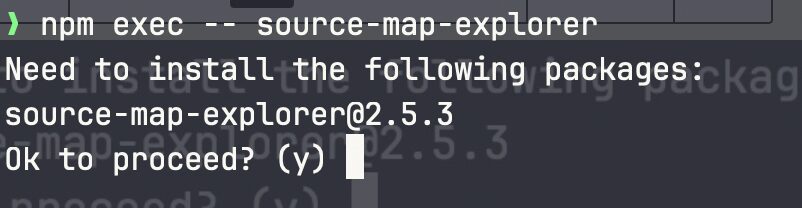
We can suppress the confirmation by providing options like --yes -y or --no -n as following
npm exec --yes -- source-map-explorer